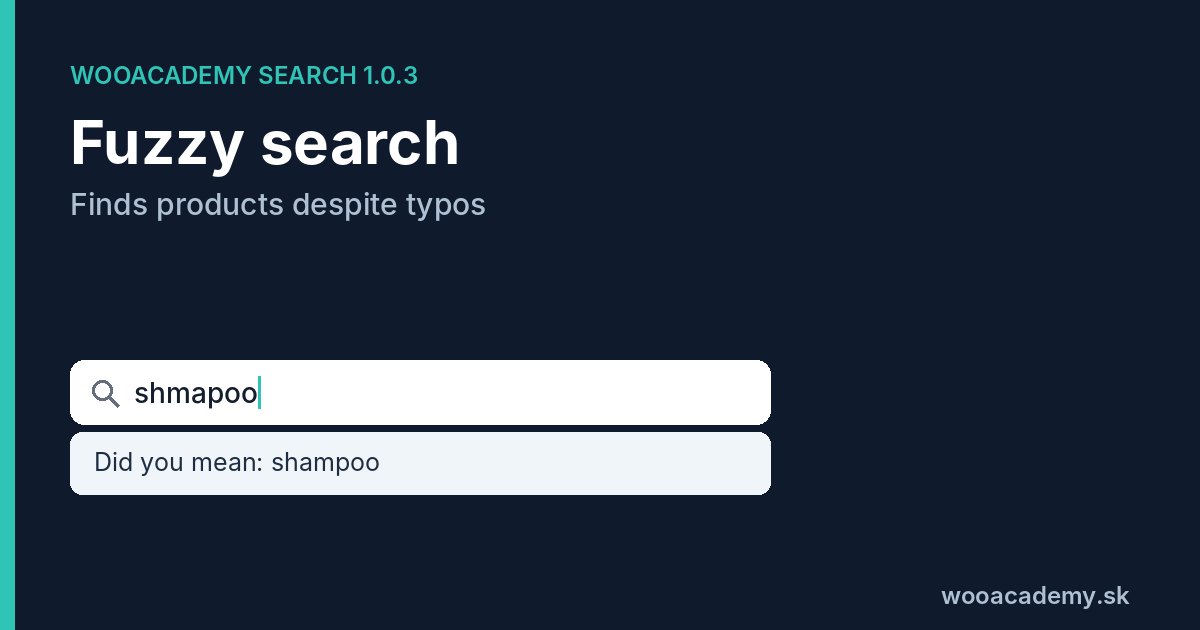



Fuzzy search is search that finds results even when the query does not match the product text exactly. A shopper types “shmapoo”, “shampo” or “sampoo” and the store still shows shampoos. It works by counting how many edits (insertion, deletion, substitution or swapping letters) turn one word into another and allowing a small number of errors.
Why it matters more than it seems
People on mobile type fast, with a thumb, and often without accents. Brand names and foreign words get spelled the way they sound. Baymard Institute found that 69% of e-commerce sites fail to show relevant autocomplete suggestions for slightly misspelled queries. In the same research 56% of sites overall failed to support what people actually type into search.
The outcome is simple: the shopper sees “No products were found” and leaves, even though you have the product in stock.
How fuzzy search works
Edit distance
The basis is Levenshtein distance: the number of letter insertions, deletions and substitutions. “jaket” and “jacket” have distance 1 (one missing letter), “jackte” and “jacket” distance 2 in plain Levenshtein.
When typing on a keyboard, swapping two adjacent letters is one of the most common mistakes (“jackte”). Classic Levenshtein counts it as two errors. The variant with transpositions (Damerau-Levenshtein, in its restricted form called OSA, optimal string alignment) counts it as one. For a store this is a real difference, because short words usually allow only one error.
How many errors to allow
Too much tolerance hurts. For the word “cap”, two errors would also match “map”, “cape” or “car”. A sensible rule is no error for very short words, one for medium words and two for long ones.
Where the correct words come from
The search engine does not correct against a general dictionary but against words that actually occur in your catalogue. So it corrects “bosh” to “bosch” if you sell Bosch, and it will not invent words you do not have.
Diacritics: the most common error that is not a typo
In Slovak, Czech, German, French and many other languages, diacritics are a topic of their own. A shopper who types “cerveny” instead of “červený” did not make a mistake, they just skipped the accents. Search should normalise both the product text and the query (remove accents) before comparing and only then look for typos. Otherwise a missing accent counts as an error and uses up the whole tolerance on a longer word.
Did you mean: the correction the shopper sees
If the engine finds results only for the corrected word, it should tell the shopper. For example “Showing results for shampoo. Search instead for shmapoo?”. The shopper then knows why they see what they see, and for a genuinely unusual name (a code, a model) they can go back to the original query.
When fuzzy search does not help
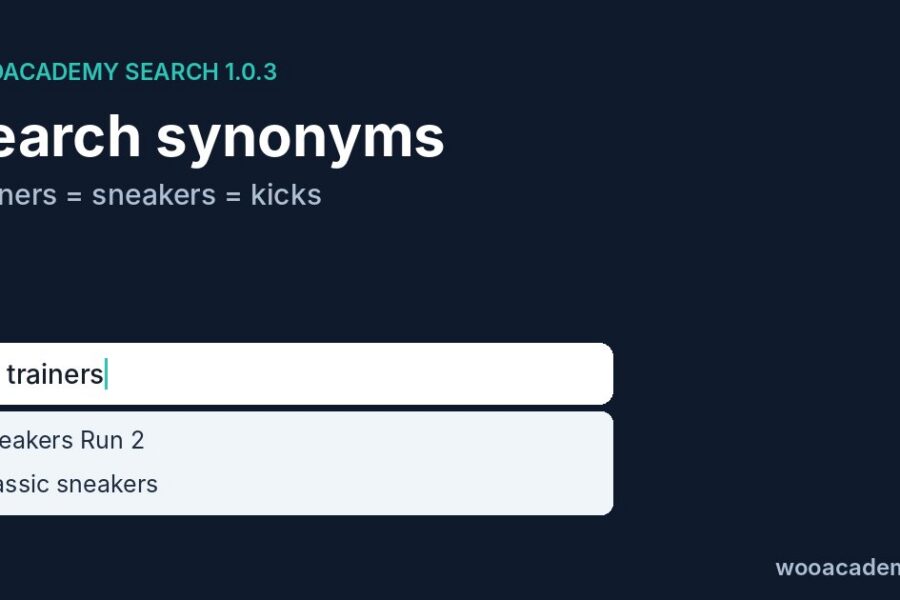
- A different word for the same thing. “Sneakers” and “trainers” are not a typo, for that you need search synonyms in your store.
- A different word form. In inflected languages forms differ by more than one edit. That is handled by stemming and lemmatization.
- Codes and numbers. For product codes (SKU, EAN) error tolerance tends to hurt, because one swapped digit finds a different product.
How wooacademy search 1.0.3 handles it
- Product text and queries are compared without diacritics.
- Typos are counted including swapped letters (OSA), not only with classic Levenshtein.
- Corrections use a vocabulary of words from your catalogue, which the plugin keeps up to date while indexing.
- When results come from a correction, it shows “Did you mean”.
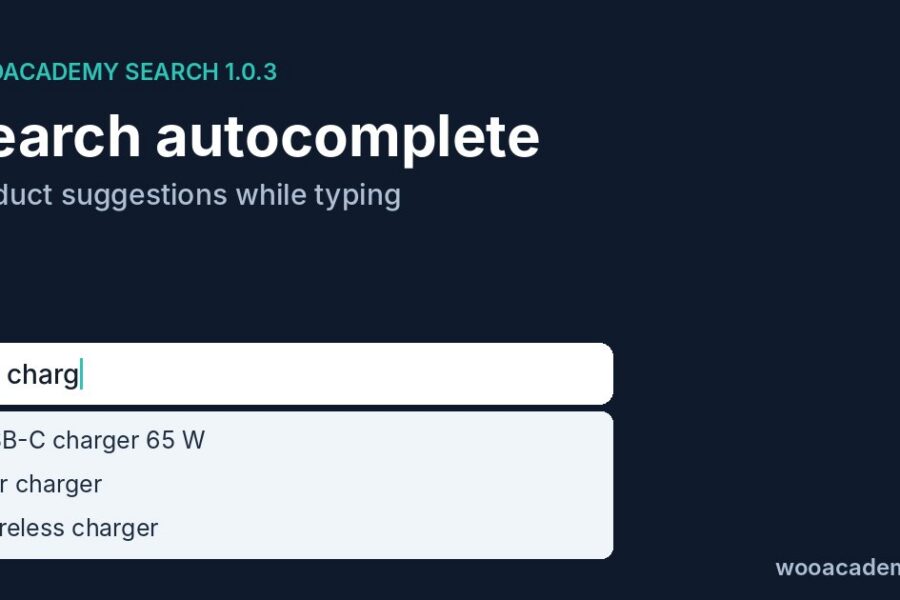
- Correction already works in autocomplete while typing, not only on the results page.
- Queries that found nothing even after correction show up in the zero-results statistics.
Typos will stop costing you orders
wooacademy search 1.0.3 fixes typos, missing accents and swapped letters, and ranks results by sales and stock.
I want this search on my store · annual licence for 1 domain €249, done-for-you setup €499
A quick test on your store
Pick your five best-selling products and search for each name with one typo and without accents. If even one returns an empty page, search is losing you customers. Which queries those are, you will find in the zero-result search report.
Frequently asked questions
What is the difference between fuzzy search and typo correction?
Fuzzy search is the principle of allowing small differences between query and text. Typo correction is its visible result, such as a Did you mean message.
Does fuzzy search slow the store down?
Comparing against the whole catalogue would. That is why wooacademy search compares the query with a vocabulary of indexed words, not with every product separately.
Does wooacademy search work without accents?
Yes. It compares product text and queries without diacritics, so košeľa, kosela and koseľa find the same thing.
Can I exclude certain words from correction?
For exact redirects or results for a specific query, use rules (pinning, redirects). Corrections only target words from your catalogue.
Author: Milan Fraňo, wooacademy.sk. I build WooCommerce stores, tracking setups and SEO. I developed the wooacademy search plugin for stores that want good search without paying a monthly fee to an external service.